
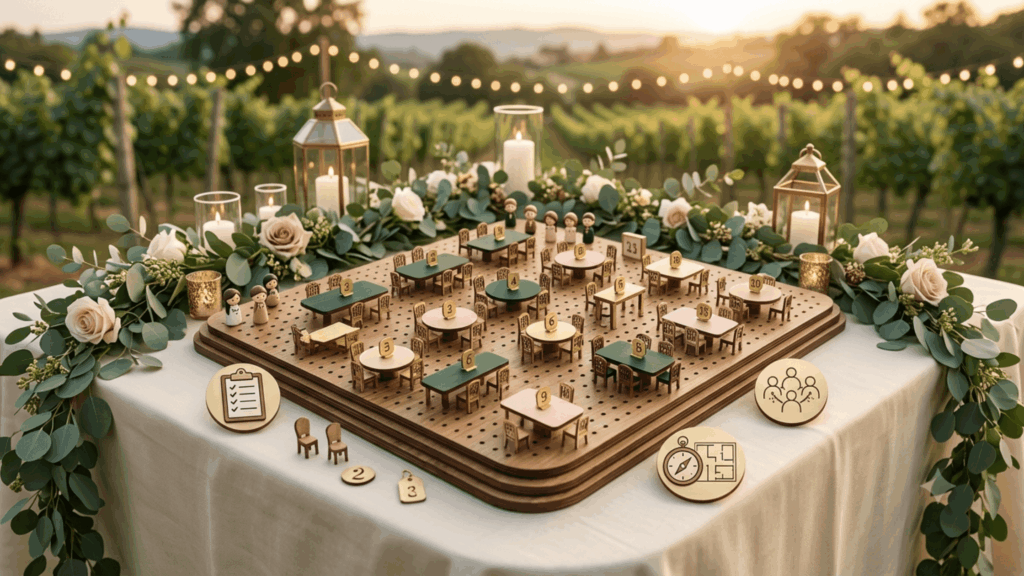
Planning a wedding seating chart is one of the most stressful parts of wedding planning. Sticky notes, spreadsheets, and last-minute guest swaps rarely capture the reality of who should sit near whom. Wedding seating chart software solves this by turning the process into something visual, flexible, and far easier to manage as the guest list changes right up until the big day.
What Is Wedding Seating Chart Software?
Wedding seating chart software is a digital tool that lets couples and planners build an interactive seating map, assign guests to tables, and adjust the layout as RSVPs and plus-ones come in. Instead of redrawing a paper chart every time something changes, updates happen in a few clicks, and everyone working on the wedding, from the couple to the planner to the venue coordinator, sees the same up to date version.
This is especially useful for weddings with complicated family dynamics, mixed guest groups, or venues with unusual room layouts, since the chart can be rearranged instantly without starting the whole plan over.
Why Use Interactive Seating Maps Instead of Spreadsheets
A spreadsheet can track names, but it cannot show how a room actually looks. Interactive seating maps solve that gap by letting planners see the venue layout, drag guests between tables, and spot problems, like an overcrowded table or an awkward pairing, before the big day arrives.
Consider a common scenario: a couple with divorced parents on both sides, several distant relatives who have never met, and a handful of guests with dietary restrictions that affect where they should sit relative to the kitchen or buffet. Trying to manage that with a spreadsheet means constant re-sorting and a high risk of missing something. A visual seating tool lets the planner see the whole picture at once
and adjust in real time.
Key advantages over manual planning:
- Visual layout: not just a list, so table sizes and room flow are clear at a glance. Planners can immediately see if a table is too crowded or too sparse compared to the rest of the room.
- Real-time updates: as RSVPs, meal choices, or plus-ones change, so the chart never falls out of sync with the actual guest list.
- Fewer errors: on the day of the event, since the chart reflects the latest guest count instead of a version printed weeks earlier.
- Shareable access: for planners, coordinators, and even the couple to review together, cutting down on back and forth emails with attachments.
How to Plan Wedding Table Seating Step by Step
- Finalize the guest list first. Seating decisions only make sense once RSVPs are mostly locked in. Starting the chart too early usually means redoing large parts of it later.
- Group guests by relationship, such as immediate family, extended family, close friends, and coworkers, before assigning tables. This makes it easier to spot natural groupings and avoid isolating any one guest.
- Flag any guests who should not sit together early, so the chart can be built around it rather than fixed later. Most couples know these situations in advance, and it is far easier to plan around them from the start.
- Use a digital layout tool to place tables to match the actual venue shape and size, rather than guessing at proportions on paper.
- Leave a buffer for late RSVPs by keeping one or two tables slightly under capacity, so last-minute additions do not force a full reshuffle.
- Share the final chart with the venue and catering team ahead of time, not the night before, so place settings and meal counts match exactly.
Who Uses Wedding Seating Chart Software
This kind of tool is not just for couples planning their own wedding. It is also used by:
- Wedding planners managing multiple events at once, who need a fast way to build and adjust charts without starting from scratch each time.
- Event agencies offering seating and layout services as part of a full-service package, where a polished, shareable chart is part of the client experience.
- Venues that want to offer digital planning tools to the couples booking their space, adding value beyond just renting the room.
Frequently Asked Questions
Q: How far in advance should I start my wedding seating chart?
Most planners recommend starting once RSVPs are mostly in, typically three to four weeks before the wedding, so the chart reflects an accurate guest count rather than guesswork.
Q: Can wedding seating chart software handle last-minute changes?
Yes. This is one of the main advantages over a paper chart or spreadsheet. Digital tools let planners move guests between tables in seconds, even the day before the event.
Q: Is seating chart software only useful for large weddings?
No. Even small weddings benefit from a visual layout, since it makes it easier to plan around family dynamics and dietary needs regardless of guest count.
Choosing the Right Wedding Seating Tool
Not every seating tool is built for real wedding complexity. Look for a platform that offers a true drag-and-drop interactive map, not just a table list, along with the ability to sync guest data from RSVPs automatically. Support for digital invitations and wallet-based tickets is a bonus, since it keeps the entire guest experience in one branded system rather than several disconnected tools handling invitations, RSVPs, and seating separately.
Ready to build your wedding seating chart the easy way? Start planning your event today.